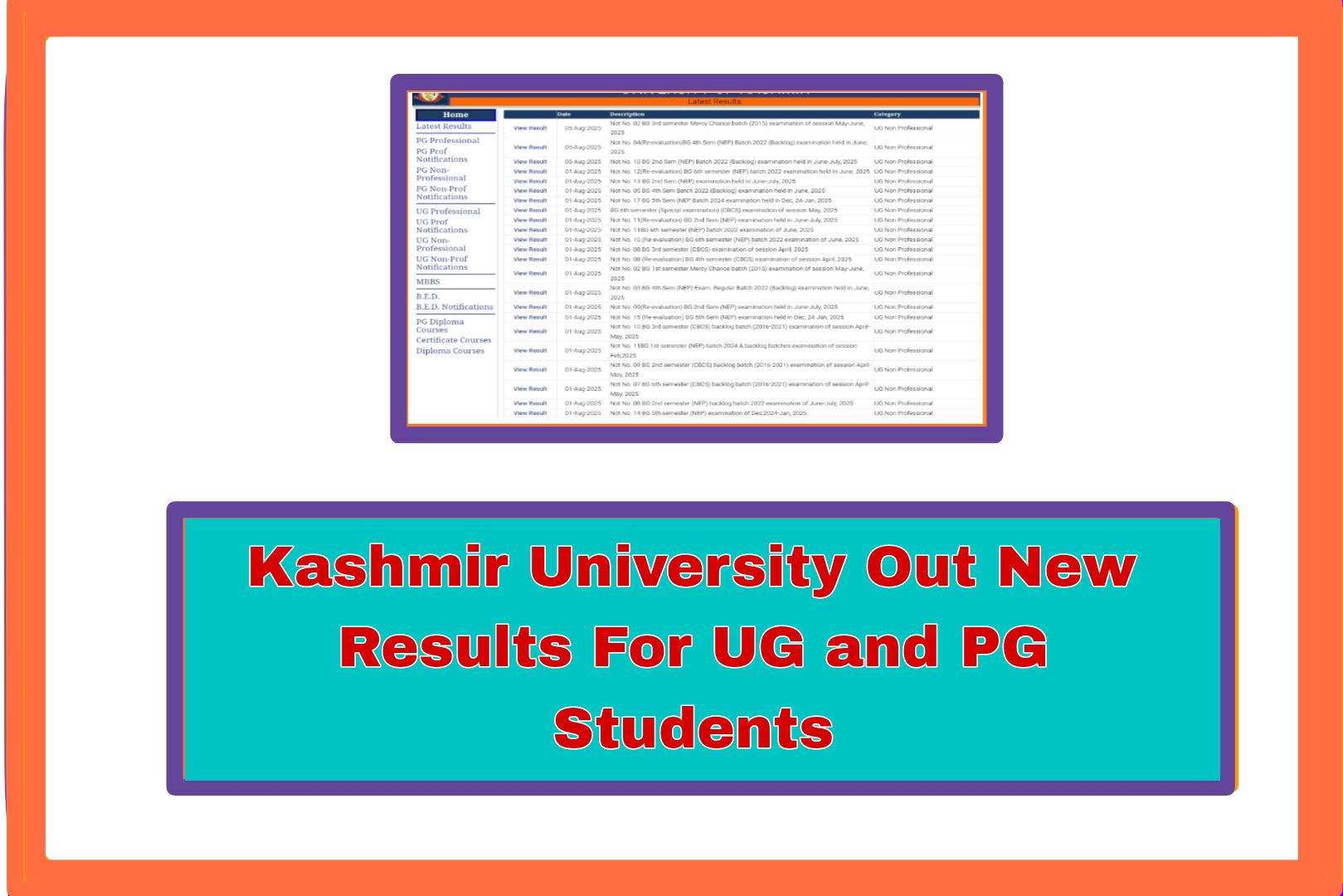
Hello to all students of the University of Kashmir. If you are studying at the KU, then this update is very important for you. The university has announced new results for many courses at both undergraduate the (UG) and postgraduate the (PG) levels. These results include different semesters and exam sessions. In this guide/post, I will explain how you can check your result in a very simple way. Please read everything carefully so you do not miss any important step.Recently, Kashmir University shared results for many students who appeared in the exams. The university has made several notifications available about the released results.
Over View
One of them is Notification Number. 07, which is for students from the 2022 batch who had backlog exams in the BG 2nd Semester under the NEP system for the students. These exams were held in the month of the June and in the month of the July 2025. Now the results are uploaded and can be seen online. Another important result is shared through Notification No. 06 for the students. This one is for students who had applied for reevaluation in the BG 6th Semester. These students are from the 2016 to 2021 batches and had appeared in exams that took place in April and May 2025. If you are one of them and requested reevaluation, you should check your updated marks.There is also Notification No. 125, which contains the results for BG 6th Semester students from the 2019 batch.
- The result and the updated result is for all the students which are connected with the university of the kashmir.
Examination Details
These exams were held in earlier in the December 2022, but the final result has been not been released only now. Besides these mentioned notifications, the university has also announced many other results from different courses and the semesters. If you appeared in any recent exams, it is a good idea to visit the result page and see if your result has been declared.To check your result on the Kashmir University website, you need some important information. The most important thing is your University Roll Number or your proper Registration Number. You get the registration number when you take admission, and you receive the roll number when you are allowed to sit in the exams.You can find both of these numbers printed on your admit card, your student ID card, or other official papers from the university.
Result Process Of KU
Now, let us understand how to check the result step by step. First, you need to visit the official website of Kashmir University where all the results are posted. Once you are on the result page, you will see a list of all the results that have been announced recently.After the new option then find your semster which you have and enter this.The result could be for a regular exam, a backlog, a reevaluation, or any other exam type. When you find your result in the list, click on it.After clicking, you will be asked to enter your details. You may need to type your name, roll number, or registration number. Make sure the information you enter is correct.Then click on the “View Result” button.Then students have to wait at least 20 section result will be visible.You will be able to see how many marks you got in each subject and whether you have passed or failed.
Result